Free · No watermark · No signup100% free forever · No watermark · No account required
Free QR code generator
Create URL, Wi‑Fi, vCard, and text QR codes in your browser. Download PNG or SVG — no signup.
Create code
What should this QR open?
Pick a type, then enter the details. The preview updates as you type.
Preview
Live preview
Updates as you type. Download PNG or SVG when it looks right.
Enter a URL above to enable download
Embed URL
Hotlink this PNG in email or HTML. It updates when the query changes.
Save this code
No account required · No watermark
Styles
Colors and options
Colors, error correction, size, quiet zone, and an optional logo.
PNG/JPG/WebP/SVG · max 2MB · prepared in-browser
Why Qrrito
The design tools you need. Always free.
Matches free-tier QRCode Monkey and goQR.me on types, colors, logos, and exports — then keeps saves and a documented embed URL free.
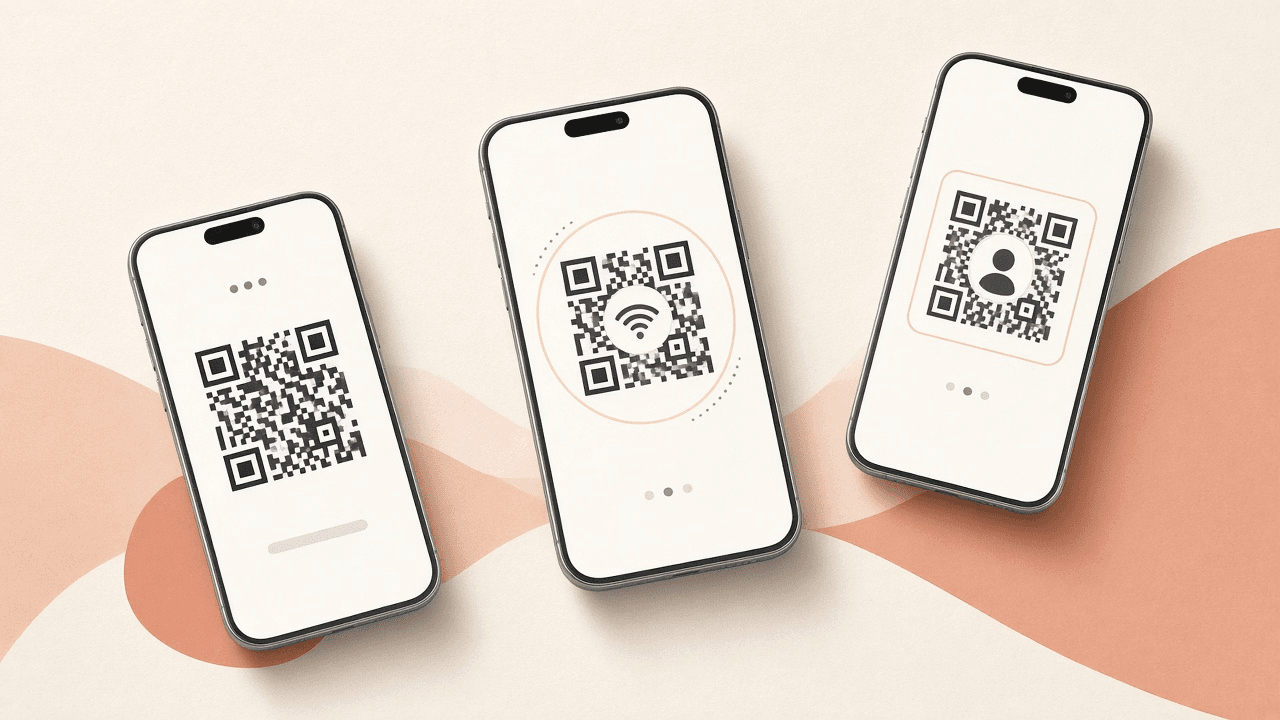
Seven QR types
URL, Text, Email, Phone, SMS, Wi‑Fi, and vCard — encoded the way scanners expect.
Styles
Foreground, background, quiet zone, error correction, and a center logo. All free.
PNG & SVG download
Raster for email and the web. Vectors for print. No watermark, no paid export.
Embed URL
Embed /api/qr?data=… in HTML or email. Change the query and the image updates.
Saved codes (optional)
Sign in with a magic link or Google to save codes and optionally track URL scans. Guests still get the full generator.
Private by default
Preview and downloads stay on your device. We only see a payload if you embed or save.
Loading saved codes…
Use cases
Common QR codes, one click away
Each card opens the generator with the matching type. Enter your details, then download or save.
vCard
Business cards
Put a vCard QR on the back of your card. Scanners add you straight to contacts.
Create code →URL
QR code for menus
Create a QR that opens your menu URL. Update the page instead of reprinting every time the content changes.
Create code →URL
Google review QR code
Paste your Google review link. Print the QR on receipts, tables, or packaging so a scan opens the review form.
Create code →Wi‑Fi
Wi‑Fi QR code
A Wi‑Fi QR lets phones join the guest network. Useful for cafés, rentals, and offices.
Create code →URL
Event check-in
Use the same QR on flyers and confirmation emails. Change the landing page if the venue moves.
Create code →URL
Product packaging
A small QR on the sleeve beats a tiny printed URL. Link to care instructions, a refill shop, or product details.
Create code →Embed
Email signatures
Hotlink /api/qr in HTML mail so the code always matches your latest link — no new PNG every quarter.
Create code →URL
Instagram bio
Posters, packaging, and pop-ups can open your Linktree or shop — the same URL you already keep in the bio.
Create code →Print
Flyers & posters
Export SVG so the modules stay sharp at poster size. Use high-contrast colors so it still reads from a distance.
Create code →Text
Inventory labels
A text QR is enough for a bin number or lot code. Print PNG at a modest size and keep the quiet zone generous.
Create code →vCard
Contact vCard
Name, org, phone, email, and site in a standard vCard. Share it on a badge, a slide, or the last slide of a talk.
Create code →URL
WhatsApp chat
Paste a wa.me or api.whatsapp.com link with a country code. Add ?text= if you want a prefilled message.
Create code →SMS
SMS QR code
Encode a phone number and an optional message. A scan opens the messaging app with that draft. It does not send the text by itself.
Create code →Phone
Phone QR code
Encode a phone number as a call link. Useful on posters, packaging, and business cards. Include a country code when people scan from another region.
Create code →Email
Email QR code
Encode an email address plus an optional subject and body. A scan opens the mail app with that draft. It does not send the message by itself.
Create code →Text
Text QR code
Encode any short text. A scan shows the message — there is no website in between. Download PNG or SVG with no account.
Create code →URL
PDF / manual
Host the file first, then paste the PDF URL. The QR opens the link; it does not embed the file bytes.
Create code →URL
App install
Prefer a smart link when you have both stores. Otherwise make two codes — one App Store, one Play.
Create code →
Embed
Dynamic image URL — no paid API plan
Drop a PNG into email signatures, docs, and HTML. The picture is generated on request from the query string. Signed-in users can also share a short id once a code is saved as public.
GET /api/qr
https://www.qrrito.com/api/qr?data=https%3A%2F%2Fwww.qrrito.com&size=280&fg=3a2418&bg=ffffff&margin=4&ec=M- data — payload to encode (required, max 2048 chars)
- size — pixels, 64–1024 (default 280)
- fg / bg — hex colors without or with #
- margin — quiet zone in modules, 0–8
- ec — L, M, Q, or H
HTML embed:
<img src="https://www.qrrito.com/api/qr?data=https%3A%2F%2Fwww.qrrito.com&size=280&fg=3a2418&bg=ffffff&margin=4&ec=M" width="140" height="140" alt="Qrrito QR" />Short id (after you save a public code): https://www.qrrito.com/api/qr/<uuid>
Compare
Others charge. We don't.
QRCode Monkey and goQR.me set the bar for a capable free generator. We match that design depth, then keep vector exports, hotlinks, and saves free.
| Feature | QRCode Monkey | goQR.me | Qrrito |
|---|---|---|---|
| Full design tools (colors, logo, EC) | Free tier | Free tier | Included |
| PNG + vector export | SVG often gated | EPS/SVG via API limits | PNG & SVG, always |
| Watermark on free exports | Sometimes on paid-look designs | No | Never |
| Account saves | Optional account | Limited / API keys | Optional saved codes |
| Dynamic image URL / hotlink | Mostly download-first | Paid / key’d API | Free /api/qr |
| Price for the features above | Paid packs for extras | API plans | 100% free forever |
FAQ
Frequently asked questions
- Is Qrrito really 100% free forever?
- Yes. Every content type, live preview, colors, logo, error correction, quiet zone, PNG, SVG, and the dynamic image URL are free. We may show ads in reserved slots — never on the canvas or download buttons — but we do not charge for design packs or watermarks.
- Do I need an account to make a QR code?
- No. Create a code with no signup, the same way QRCode Monkey lets guests design without logging in. Sign in only if you want optional saved codes in your account.
- What is a dynamic image URL?
- A hotlinkable PNG you can drop into email HTML, a Notion page, or a website. Call /api/qr?data=…&size=&fg=&bg= and the server returns a fresh image. Change the query and the picture updates wherever it is embedded.
- Does my content leave the browser?
- Preview, styling, and downloads run on your device. The optional /api/qr embed encodes the payload in the URL so servers can render the PNG. Optional saved codes live in your account when you sign in — we never require that for the generator.
- Which QR types can I create?
- URL, Text, Email, Phone, SMS, Wi‑Fi, and vCard. Use-case cards (table links, guest Wi‑Fi, inventory labels, Instagram bio, and more) deep-link into the matching type.
- Can I add a logo and still scan the code?
- Yes. Upload a small center logo. When a logo is present, the preview automatically uses high error correction (H) so scanners still read the code.
- Can I count how many times a QR is scanned?
- Yes, if you sign in and turn on Track scans for a URL code. That QR encodes a Qrrito redirect (www.qrrito.com/r/…) so we can count the visit and send the scanner to your link. Tracking is off by default. Guests still create and download codes that open the destination directly — no account required.
- PNG or SVG — which should I download?
- PNG is perfect for email, slides, and the web. SVG stays sharp on posters, packaging, and vinyl. Both are watermark-free.
- How is Qrrito different from QRCode Monkey or goQR.me?
- Those tools are great, and we match the free-tier design depth (types, colors, logo, exports). We try to beat them on three things: the whole feature set stays free, optional saved codes in your account, and a documented dynamic image URL you can hotlink without a paid API plan.
Ready to create a QR code?
Style it, download PNG or SVG, or embed the live image. No account required.
Create code